
 by
by 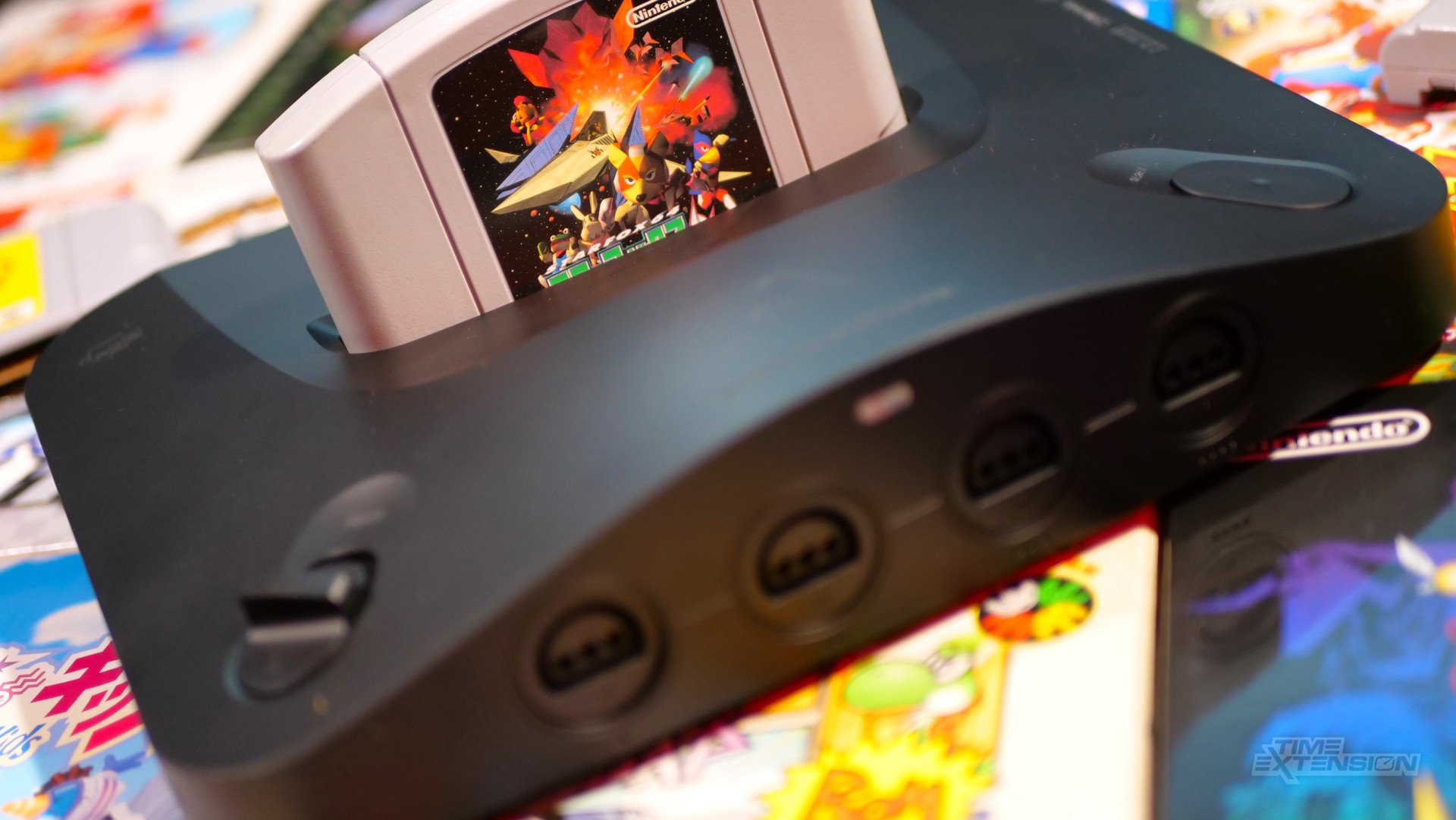
Analogue has released 3DOS v1.4.0 for its Analogue 3D FPGA console.
The big news here is the introduction of a gallery section, which allows you to capture screenshots during play and share them with others.
The update also includes boot time improvements and some other fixes. You can download it here.
The full changelog is below:
General
- New: Gallery and Screenshots
- Definitive recreations of original CRT displays, now captured for the first time in bit-perfect 4K HDR
Capture, preserve, and share your favorite gameplay moments exactly as Analogue 3D renders it with Original Display Modes
-
View and manage your collection in Gallery
-
Instantly take a screenshot at any time during gameplay
- Definitive recreations of original CRT displays, now captured for the first time in bit-perfect 4K HDR
- Improved: Direct boot to cartridge time
Core
- Improved: I-cache and D-cache opcode behavior
- Fixed: Regression with floating point rounding
OS
- New: Gallery Tab
- Your screenshots presented in a clean, chronological Gallery view. Preview, configure and export in lossless 4K with ODM and HDR options*
Screenshot exports are saved to your SD card
-
From Library press R to navigate to Gallery
- Your screenshots presented in a clean, chronological Gallery view. Preview, configure and export in lossless 4K with ODM and HDR options*
- New: Screenshots list in Library
- Navigate easily between Library and Gallery from any selected screenshot
In Library, press Down to access the list if screenshots exist for that game
- Navigate easily between Library and Gallery from any selected screenshot
- Improved: OS visual polish
- Improved: Load time of Memory and Screenshot thumbnails
Controllers
- New: Hotkeys for Screenshots
- To create a Screenshot during gameplay
- 8BitDo 64 controller: Press Star
- NSO controller: Press Capture
- Original controllers: Press Z + Start + R
- To create a Screenshot during gameplay
- Improved: Hotkey responsiveness
- Fix: Issues when using multiple Controller Paks in San Francisco Rush games
- Fix: D-Pad inputs passing through to gameplay when using hotkeys