
 by
by 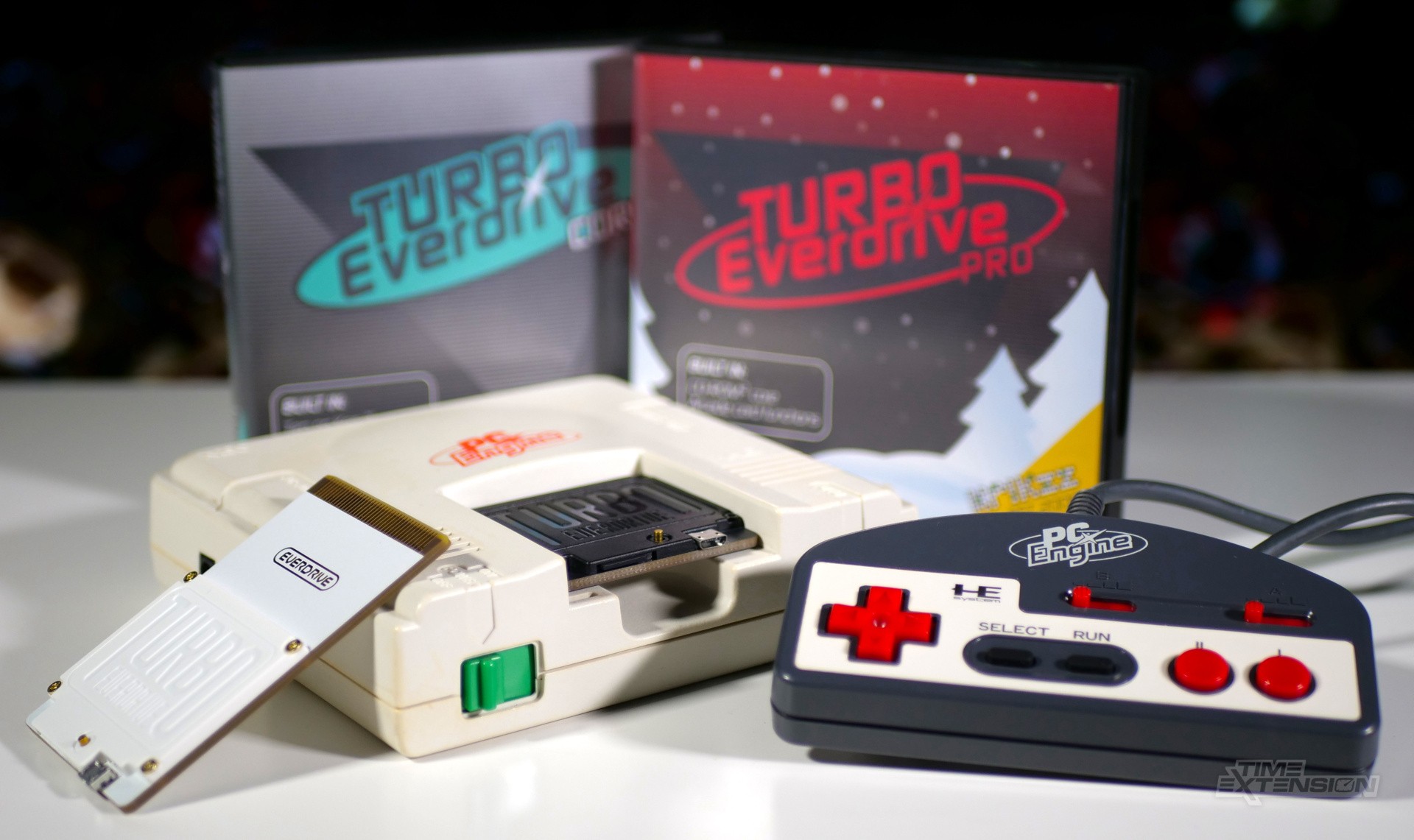
I've been a fan of Krikzz's EverDrive line of flash carts since they hit the market over 15 years ago, and have owned multiple examples across the Game Boy, GBA, SNES and Mega Drive.
One system I've never seen fit to 'EverDrive-up' is the PC Engine / TurboGrafx-16, largely because the Terraonion Super SD System 3 has filled that void quite neatly for some time now. However, I recently became aware that Krikzz's Turbo EverDrive range offers some tangible benefits over Terraonion's product, so I was keen to check it out.
If you've read this far and are wondering exactly what an EverDrive is, allow me to explain. These are flash carts, which allow you to load ROMs onto an SD card and run them as if they were original media. It's possible to load up the entire library of a console onto a single card, making it the most appealing way for many people to access retro games.
Krikzz offers both the Turbo EverDrive Core ($99) and the Turbo EverDrive Pro ($199). Both offer save states (HuCard games only), Ten no Koe 2 save support, cheat code support, instant loading, auto-region selection, a physical menu button and a USB port for development – and both are capable of simulating NEC's Arcade Card, the roomiest RAM expansion card released for the PC Engine / TG-16 family of systems.
However, the Pro variant has a more capable FPGA chip (the Cyclone IV, rather than the Cyclone 10 in the Core) and double the amount of PSRAM memory (16MB over 8MB in the Core), allowing it to run CD-ROM games – something the Core model isn't capable of doing.
If you're only interested in playing HuCard / TurboChip games (and there are many fans who consider this the best portion of the PC Engine / TG-16 library), then you can save yourself a few pennies and opt for the Turbo EverDrive Core, which is half the price of the Pro model at $99.
However, for the additional $100, I'd honestly recommend going for the higher-spec variant, because while there are a great many so-so PC Engine CD games, you've got solid-gold classics like Dracula X: Rondo of Blood, Gate of Thunder, Seirei Senshi Spriggan and Ys Book I & II to balance things out a bit. You'll need to track down BIOS files for the various System Cards (as a rule, the Arcade Card BIOS is the only one you need), but outside of that, it's easy to get things running.
Before you rush over to Krikzz's website and click that 'buy' button, however, there are some caveats to consider. The Turbo EverDrive's CD-ROM core won't work if a CD or Ten no Koe 2 unit is connected to your console's external expansion port – or if the console has a built-in CD-ROM, for that matter, like the TurboDuo / PC Engine Duo.
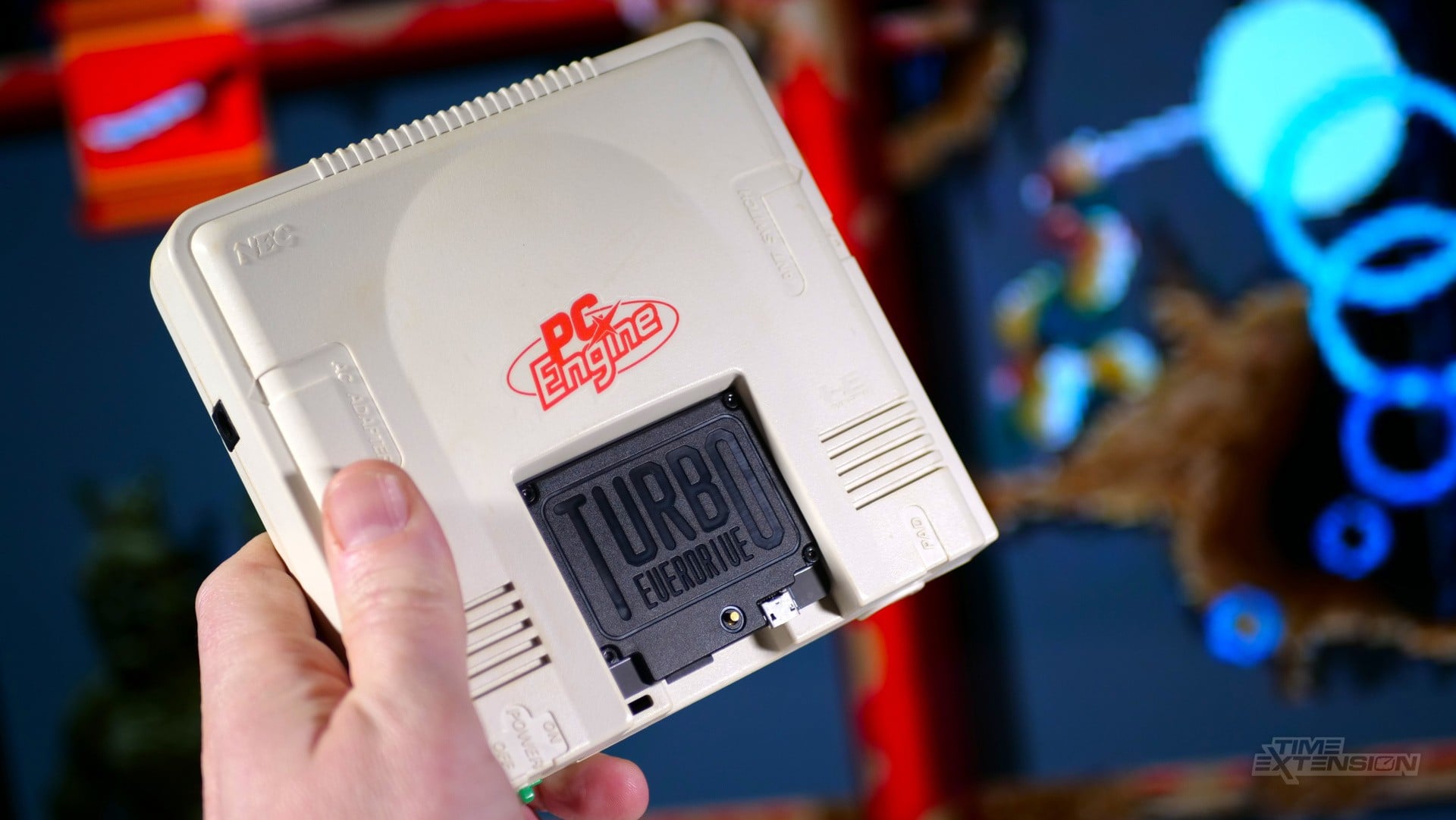
Using the Turbo EverDrive Pro with an original PC Engine isn't straightforward, either. My white PC Engine was modded to output via RGB SCART many years ago, and refuses to play CD audio from the Turbo EverDrive Pro via the cable I currently have. Games will run fine, but I only get the sound generated by the PC Engine's internal sound chip.
I've since found out that this is almost certainly to do with how my console was modded and the cable I'm using. Specialised cables are required to ensure you get both PC Engine audio and CD audio, and these are apparently very hard to come by today.
(As a quick test, I tried pairing the Turbo EverDrive Pro with the Terraonion Super SD System 3, with the latter connected to my PC Engine's expansion port. If you've been paying careful attention thus far, you'll no doubt be aware of the issue I encountered here; while the Super SD System 3 makes use of a different RGB SCART cable (the Genesis / Mega Drive 2 lead) and therefore might have offered me the chance to enjoy CD audio, the Turbo EverDrive Pro won't work when it's connected to the console, due to the aforementioned hardware conflict it causes.)
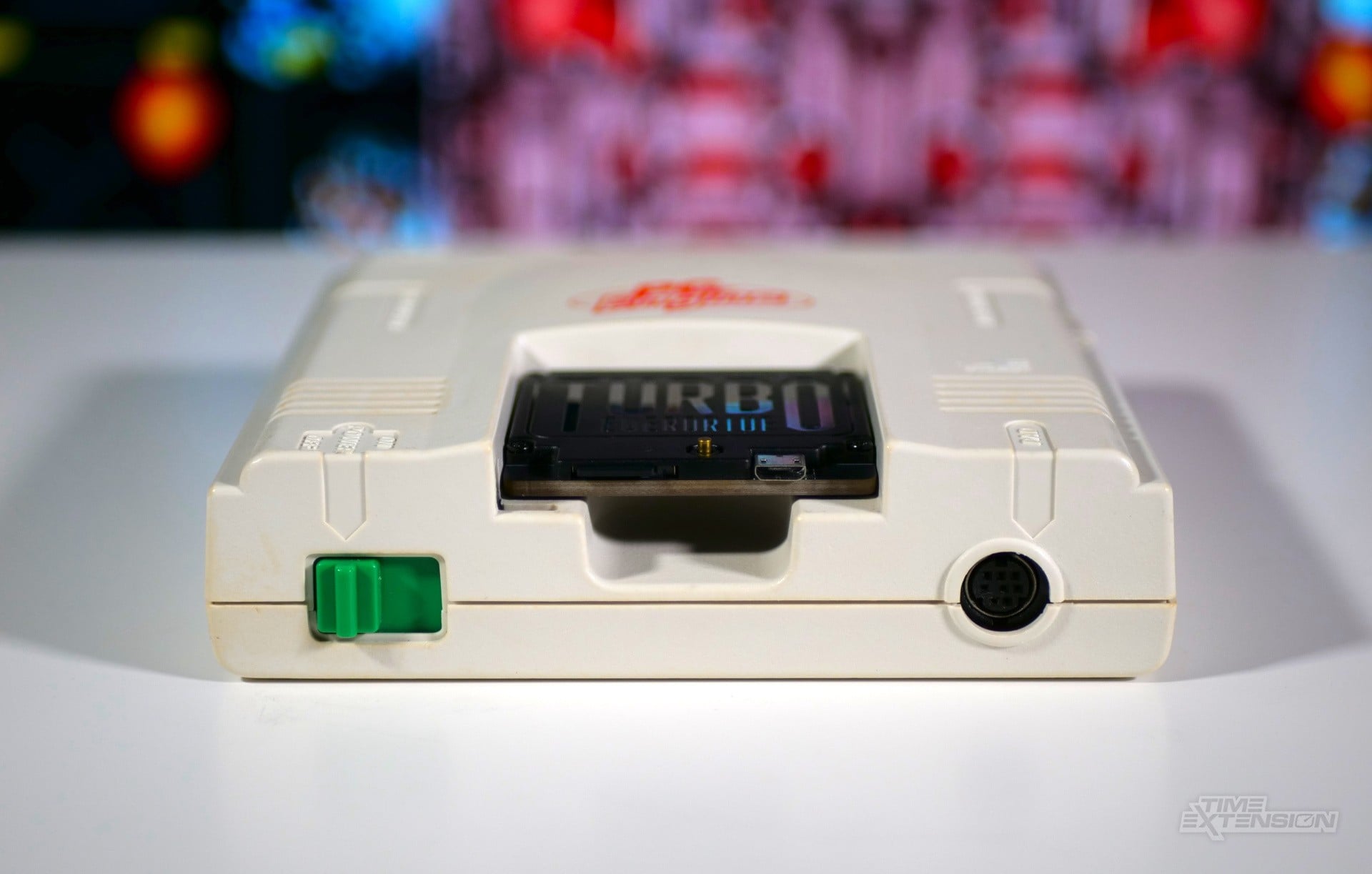
While we're on this topic, it's worth noting that the Turbo EverDrive has one big downside due to its unique approach of using the HuCard slot of the host hardware. While the HuCard connection allows for audio (an amazingly forward-thinking move by NEC and Hudson), it's limited to mono sound, not stereo.
As a result, you're never going to get stereo sound when playing games via the Turbo EverDrive on its own – it's simply not possible on a technical level. Krkizz offers his own solution – the $50 EDFX expansion board – which slots into your console's expansion port and not only allows for stereo sound (thanks to custom audio hardware designed specifically for the Turbo EverDrive) but also offers RGB SCART output.
Thankfully, the Turbo EverDrive Pro plays nicely with my Analogue Duo – at least it did once I tinkered with a particular setting. You see, when I initially tried it with the Analogue Duo, I encountered the same issue I'd had with the PC Engine: no CD audio. However, digging into the settings on Analogue's console, I located a 'HuCard Audio' option, and, once this was selected, I could hear the full spectrum of sounds from PC Engine CD titles. Phew.
I haven't tested the Turbo EverDrive Pro (or Core) on any other PC Engine hardware, but I know from other reports that it works fine on the ill-fated SuperGrafx system, and I can't see why it wouldn't work on the portable PC Engine GT / TurboExpress (although a lack of CD audio might be an issue there, too).
Turbo EverDrive Core and Pro Review: Conclusion
The Turbo EverDrive Core and Pro are interesting products to review, because, in some ways, they're not perfect – their overall suitability really depends on what console you happen to own.
For example, those of you who own a Turbo Duo or PC Engine Duo system will want to avoid the Turbo EverDrive Pro, as its CD-ROM core is useless since it can't be used in conjunction with any console that has a built-in optical drive. The 'Core' is the better choice in this case.
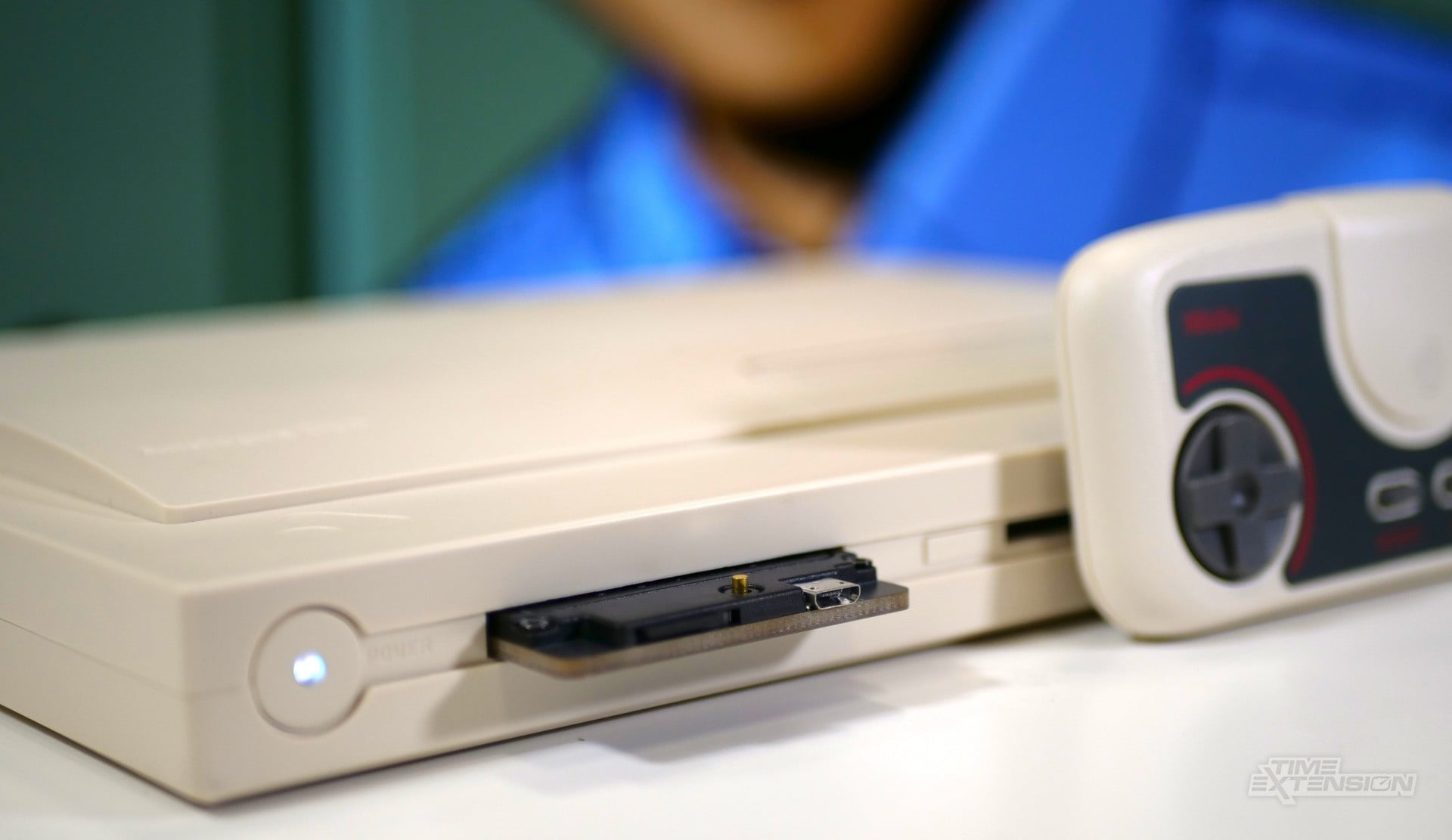
If you own a standard PC Engine or TG-16, then you'll need to make sure you have the correct AV cable to ensure you're getting both HuCard and CD audio – if you're running via composite, then you'll be fine, but, in my case, my trusty RGB-modded white PC Engine would only give me HuCard sound. Then you have the issue of only getting mono sound, unless you opt for the EDFX board, which costs an extra $50.
Given that the Analogue Duo is my go-to system for the PC Engine these days, I was pleased to find that, with the correct settings, the Turbo Everdrive works fine.
It's certainly the most compact of options when it comes to running PC Engine games from an SD card – and in many ways, the technical hiccups highlighted in this review have more to do with the seemingly endless number of hardware revisions the PC Engine underwent than anything Krikzz has done incorrectly.
The Turbo EverDrive receives a solid recommendation, but you'll need to do some research before deciding which version is best for you.