
 by
by 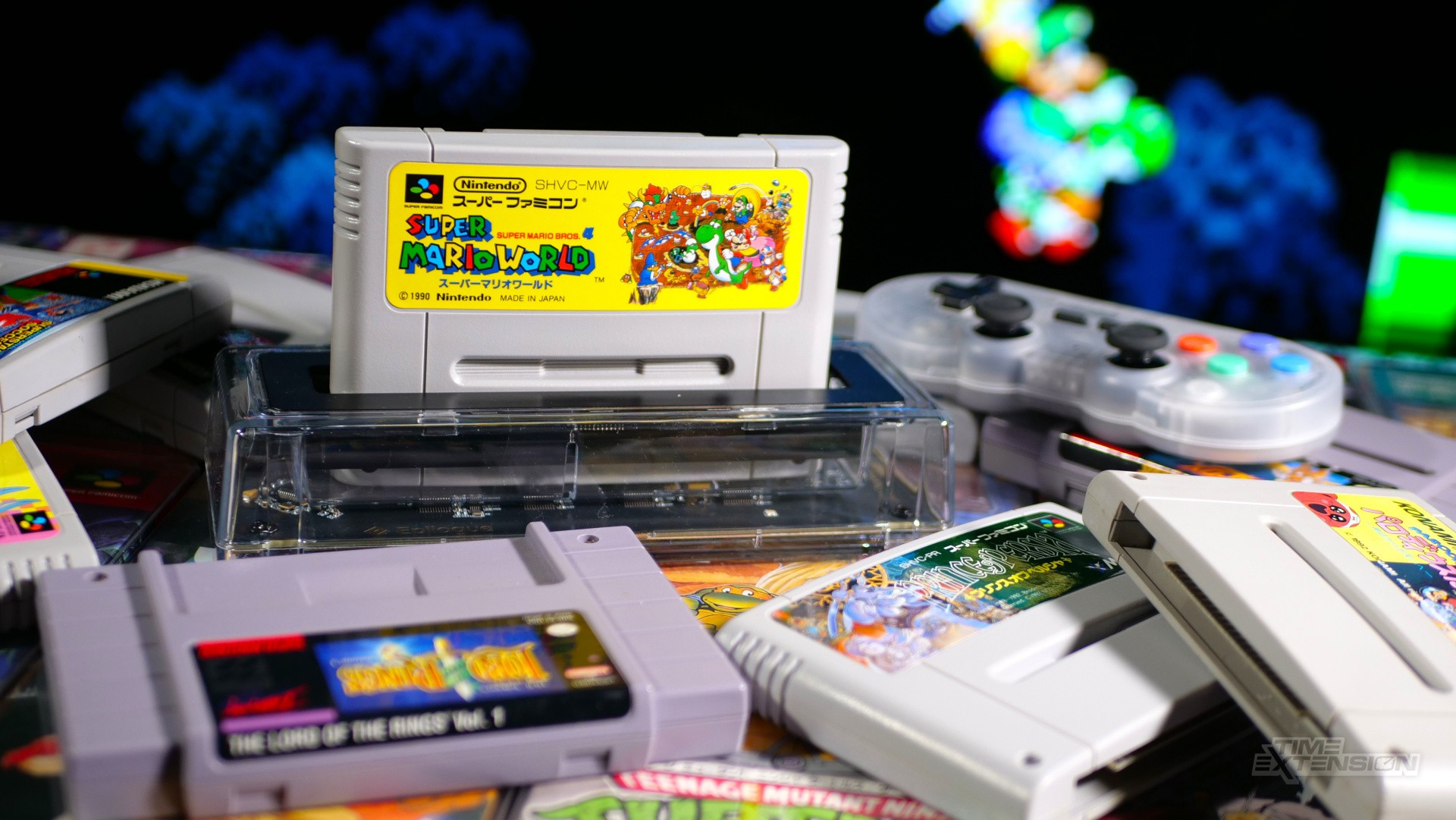
Romanian company Epilogue has already scored a hit with its GB Operator, which allows you to play and dump original Game Boy cartridges on your computer, as well as back up save data from your collection.
Epilogue's next product is perhaps even more exciting, as it focuses on the SNES/Super Famicom – arguably one of Nintendo's most beloved home consoles. The $60 SN Operator is an adapter which connects to your computer via a USB-C lead and enables cartridges to be played under emulation.
I was fortunate enough to be sent a sample of the 'Founder's Edition' SN Operator, and I've been putting it through its paces over the last week, trying loads of different carts from all three regions, as well as modern-day releases and even pre-release review samples from back in the day.
How does the SN Operator perform, and is it really worth bothering with when we live in a world where emulation is easy and ROMs can be found in seconds online? Let's find out...
SN Operator Review: The Device
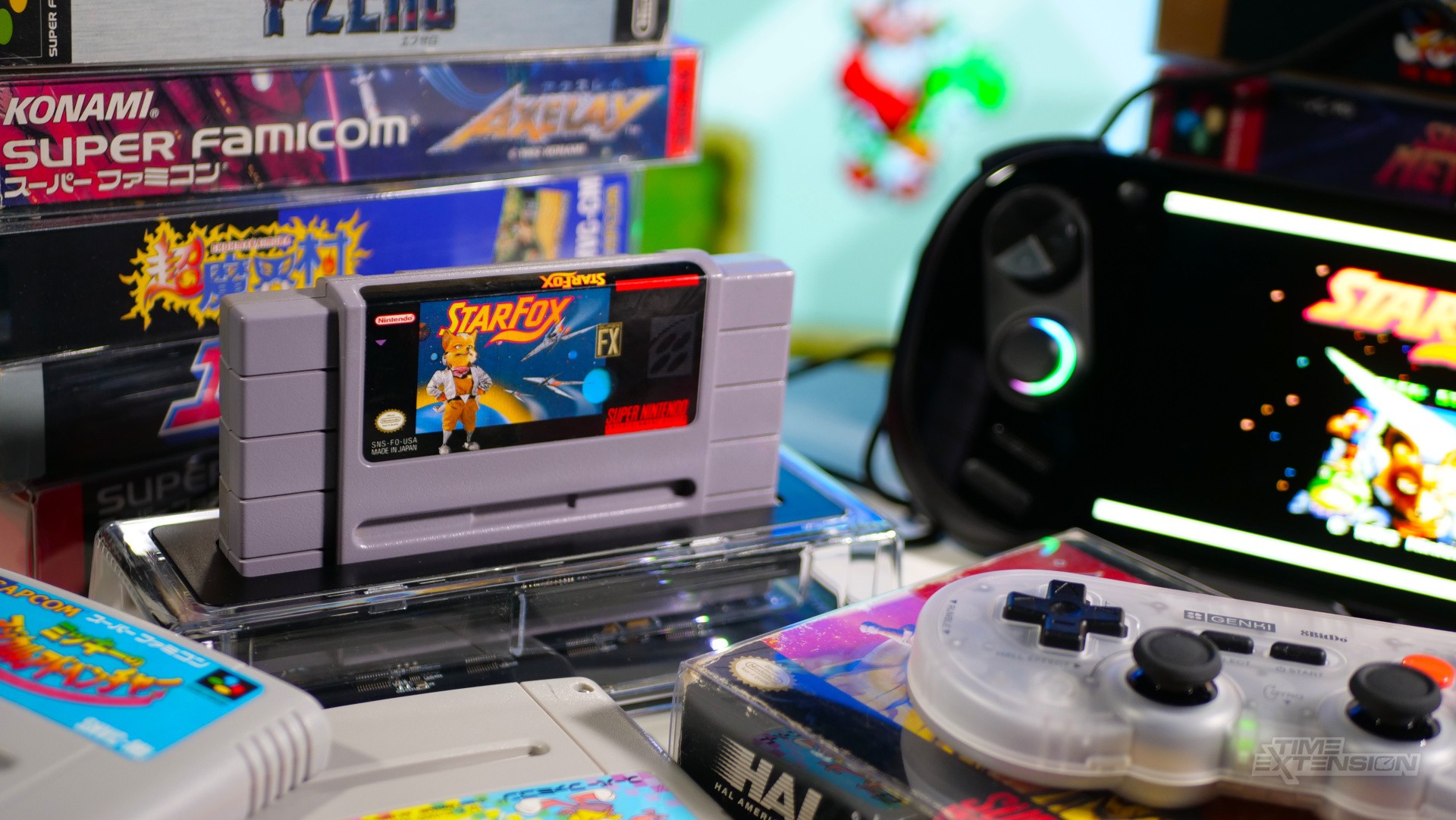
Like the GB Operator before it, the SN Operator is made from transparent plastic. There's a rubberised base to prevent it from moving around on your desk, and a handy LED light which shows when it's powered up. You connect it to your computer via the bundled USB-C cable.
The SN Operator is naturally larger than the GB Operator, but it's still compact enough to slip into most laptop bags without much difficulty.
While the Founder's Edition I was sent has some cool additional text on the circuit board and comes with a pin badge and sticker, the device is identical to the standard version in every other way.
I tested the device on my MacBook Air and AYANEO 3 Windows-based handheld PC, and it worked flawlessly on both platforms. In the case of the latter, I had the natural benefit of not needing a pad thanks to the built-in controls, but also the downside of it being quite awkward to use in handheld mode because the SN Operator must be connected at all times.
SN Operator Review: Playback Application
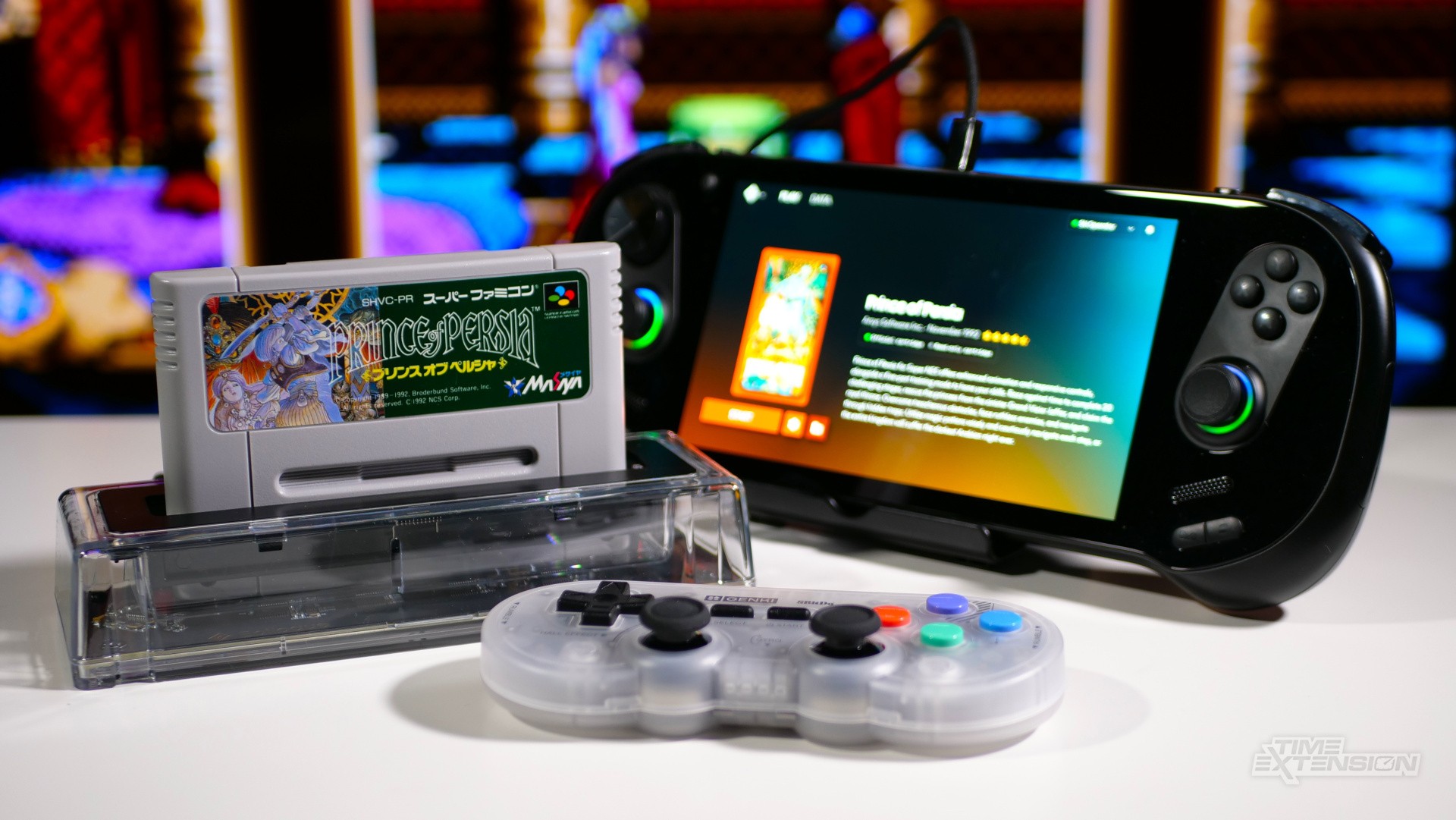
The SN Operator uses the same Playback app that powers the GB Operator – there's even the option to toggle between the two devices if you happen to have them both plugged in at the same time, which is a nice touch.
Playback is visually pleasing and a joy to use, and comes packed with options and settings. Before I get into those, however, it's worth noting just how frictionless it is to get things working – I had a game booted and running under emulation within seconds of connecting the SN Operator.
Upon inserting a cartridge, Playback will check the game against its database and match it, giving you box art and a description. At this point, you can either dump the ROM to your computer for personal use or back up the cartridge's save data.
This means you can preserve your save games from decades ago (assuming the cart's internal battery is still alive, of course). It's also possible to load saves on the cartridge. If you're looking to do a battery swap on your existing games, then you can back up the save, replace the battery and then re-upload the save after you're done.
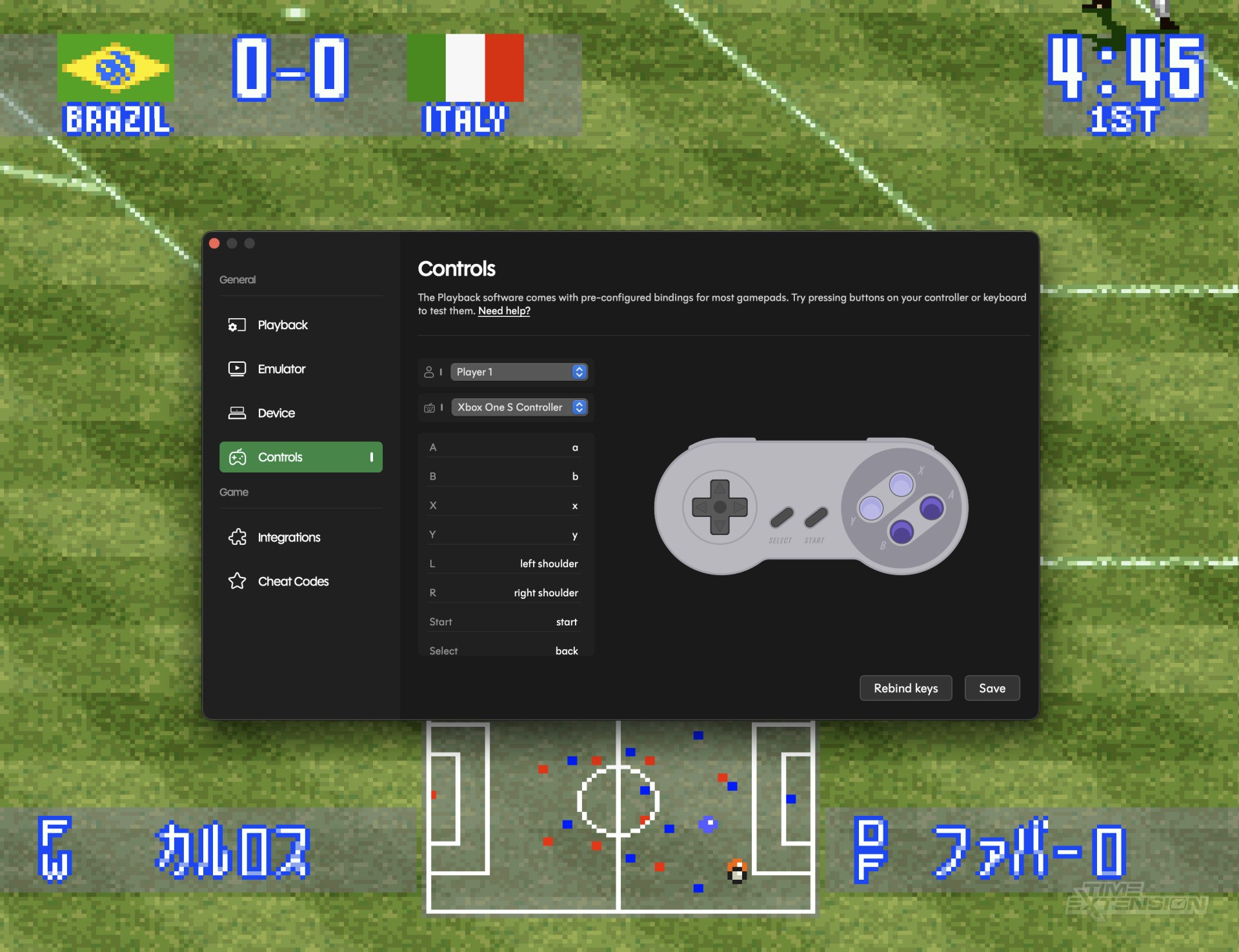
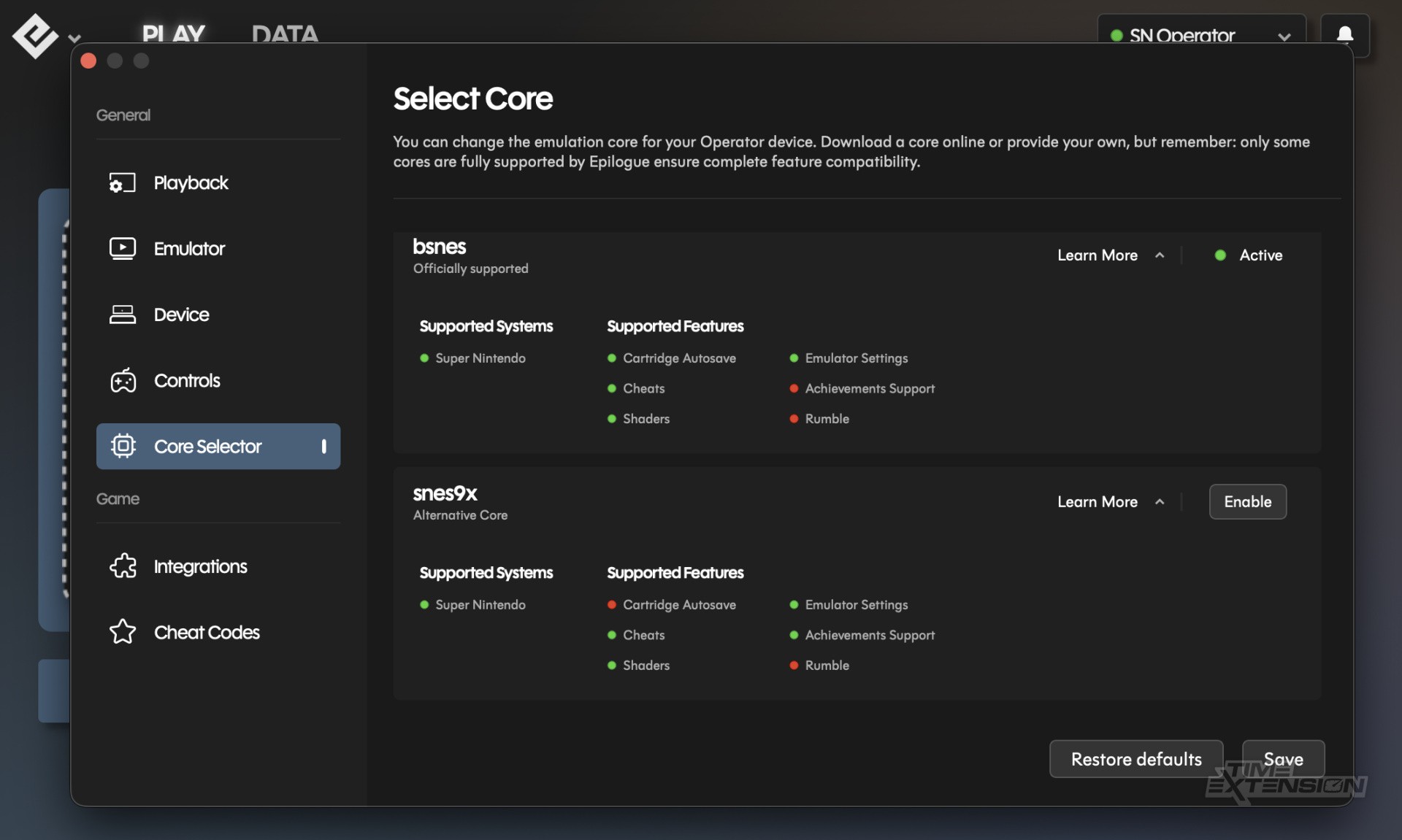
Starting a game loads the superb bsnes emulator, which Epilogue officially supports via the SN Operator and its Playback application. You can boot alternative SNES emulators if you'd prefer, though they may not function 100% correctly with the Playback application.
The Playback app offers a pretty comprehensive suite of options. You can enable screen filters, use rewind and fast-forward, use save states, enable 'run ahead' to reduce latency, link your RetroAchievements account, and input cheat codes.
You can also do various cool things with Mode 7 effects, including increasing the resolution of Mode 7 surfaces (like in F-Zero and Pilotwings).
Many of these things won't be big news to those of you who have been emulating SNES games for years, but the Playback UI goes a long way toward making them feel properly integrated into the experience, and navigating the app is certainly a lot easier than with many emulators.
SN Operator Review: What Works (And What Doesn't)
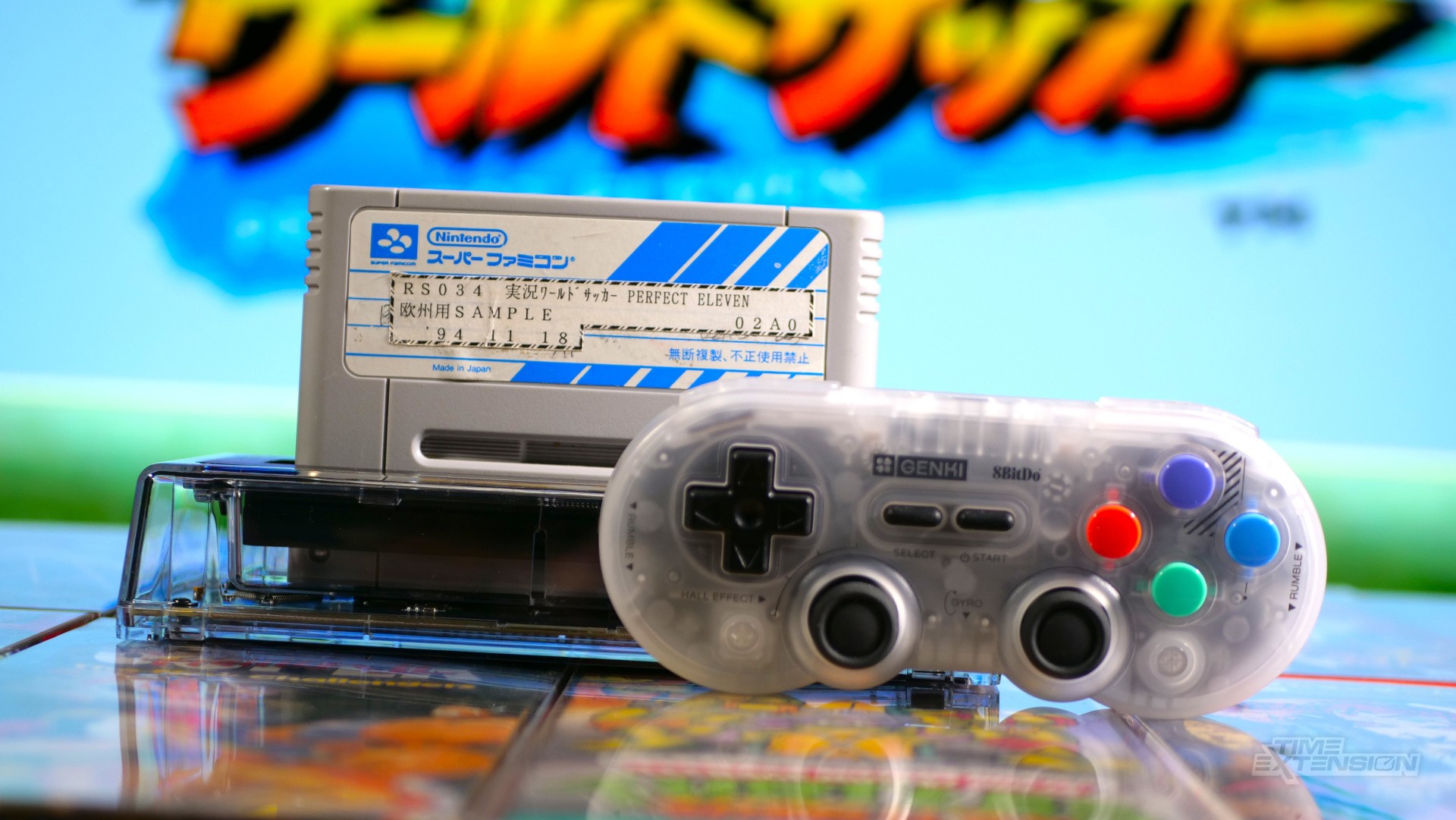
I tested a wide range of SNES and Super Famicom carts during my review period, and while some required a bit of contact cleaning (not the SN Operator's fault), 99 percent booted instantly without issue.
I tested North American SNES, European SNES and Japanese Super Famicom carts, and all of them worked without issue. I even tested a review copy of Konami's J-League Perfect Eleven (kindly gifted to me by a former staffer on one of the UK's biggest Nintendo magazines in the 1990s), and that worked, too.
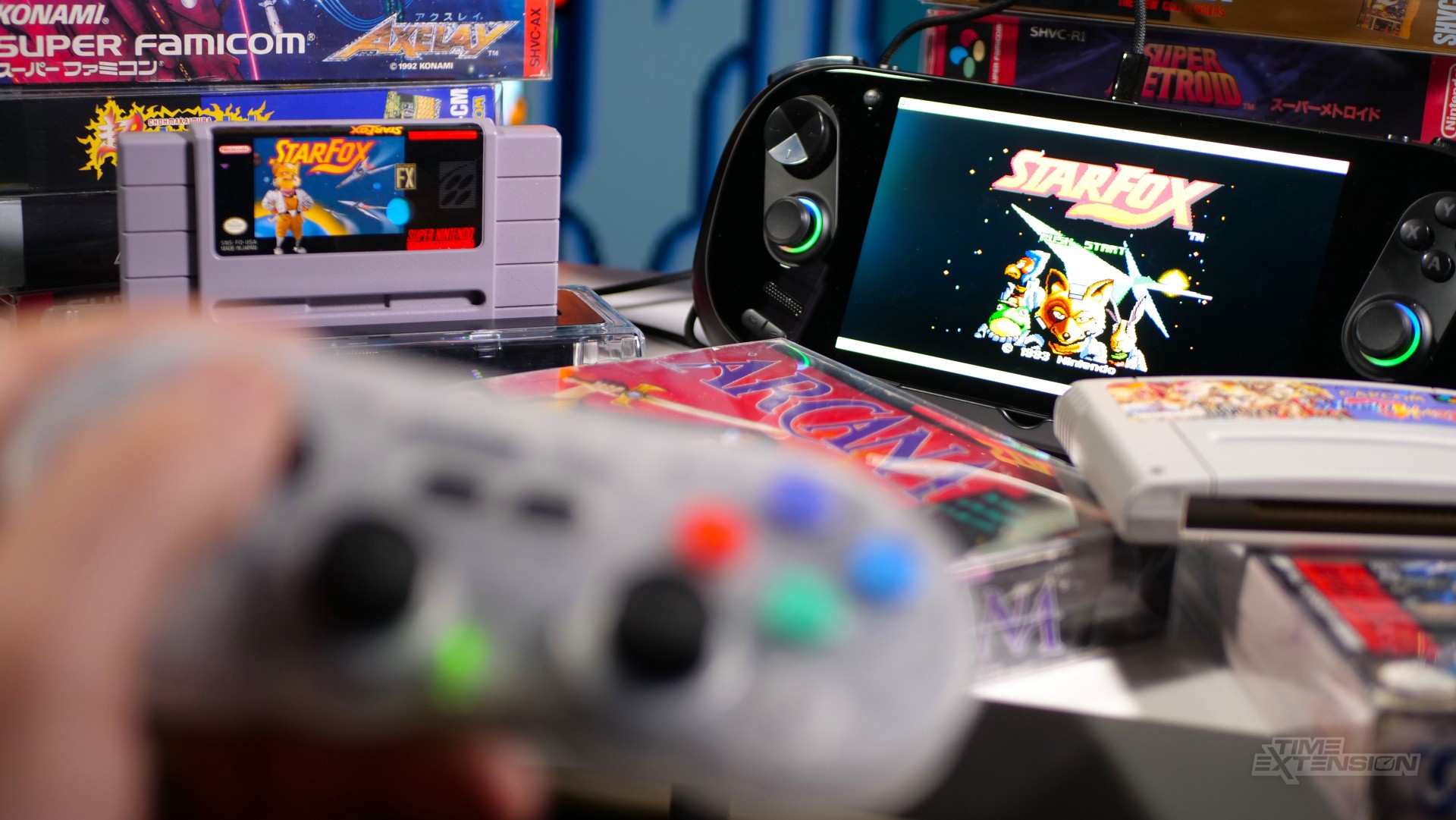
SNES titles come with a variety of on-cart chips which can cause issues with some emulators, but the SN Operator handles these. I tested Super FX (Star Fox), SA-1 (Kirby Super Star), SDD1 (Street Fighter Alpha 2) and DSP (Pilotwings), but wasn't able to test CX4, SPC7110 or OBC-1. According to Epilogue, all of these chips run fine on the SN Operator.
However, when testing modern-day SNES carts, I sadly hit something of an issue. Bitmap Bureau's Xeno Crisis wasn't recognised by Playback's internal database, and it refused to load – the same thing took place with Retro-Bit's reissue of Majūō: King of Demons.
The homebrew title Dottie Flowers was the same, but Retro-Bit's re-release of Rare's Battletoads & Double Dragon was both detected by the database and ran perfectly.
As time goes on, I'd imagine Epliogue will make these games compatible with the SN Operator (there's an option in the UI to submit game data, in fact) – but for now, buyers should be aware that newer SNES titles are a little hit-and-miss.
Because the SN Operator loads the ROM directly from the cartridge, flash carts like the EverDrive won't work on it. I also discovered that, despite having related options within the current version of Playback, the Super Game Boy isn't supported. Having raised this with Epilogue, it has been confirmed that the Super Game Boy options will be removed in the next Playback update.
SN Operator Review: Conclusion
There's no denying that the SN Operator is a slickly made product backed by an equally polished software application.
I was stunned by how easy it was to load games on this thing, and the ability to preserve original save data is a real boon – I was able to leverage save files from my carts that are literally decades old.
Of course, all of this good stuff has to be balanced against the fact that in 2026 it's pretty easy to run SNES games on your PC without additional hardware – emulators are free to download, and many people have extensive (if not legal) ROM collections at their fingertips.
The difference with the SN Operator is that you can dump your own ROMs rather than downloading them off some shady website, and, for the more ethically-minded among us, that's a genuine selling point – and something I've personally been a fan of doing ever since the Retrode 2 launched many moons ago.
Naturally, the need for original carts does narrow the potential audience for this device; the SN Operator is likely to appeal only to people who already have a significant library of SNES or Super Famicom games. Those same people are likely to have original hardware and perhaps devices like the Analogue Super Nt and Polymega – but I think there's still room for the SN Operator in that mix, especially as it supports stuff like RetroAchievements. If you're into that kind of thing (and I am), then being able to access them via your original cartridges feels pretty special.
Ultimately, you'll know from reading this review if the SN Operator is up your alley; what it does, it does brilliantly, and for $70, I can see it becoming an integral part of many people's retro gaming setups.
Please note that some external links on this page are affiliate links, which means if you click them and make a purchase we may receive a small percentage of the sale. Please read our FTC Disclosure for more information.