
 by
by 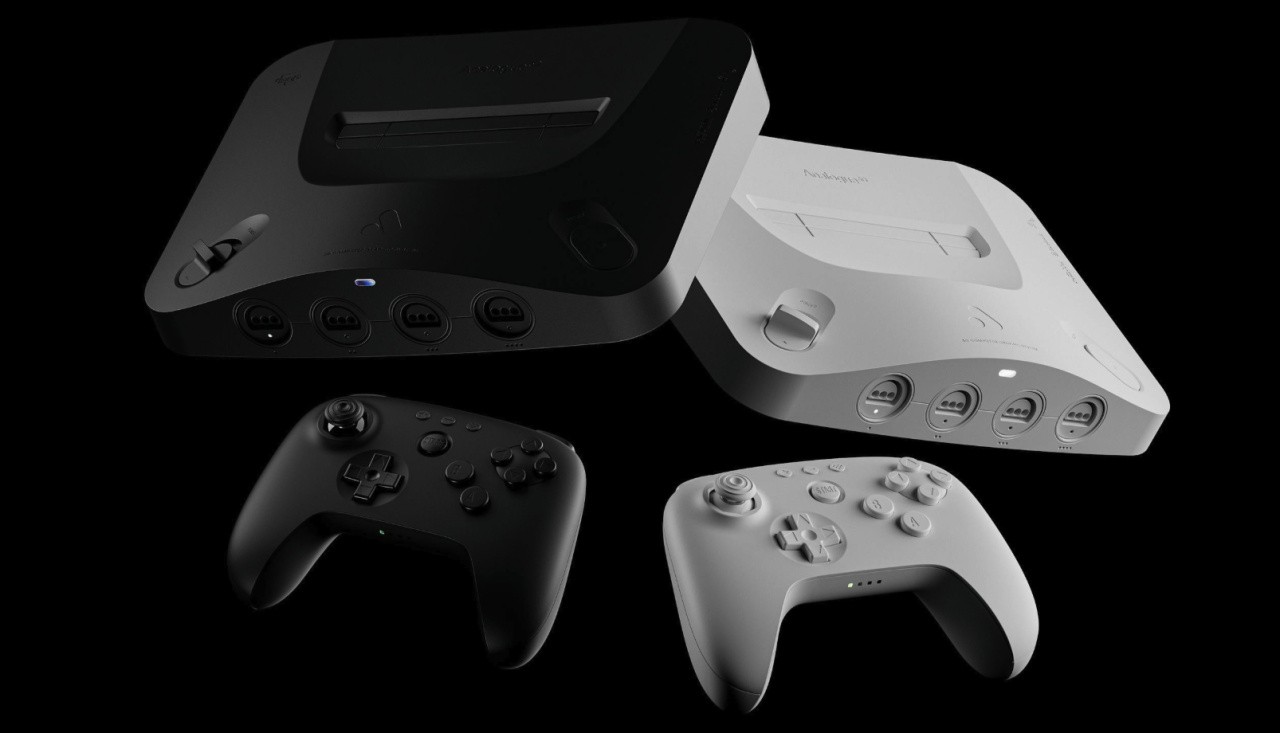
Analogue has released another firmware update for its Analogue 3D console, and this one adds the ability to toggle overclocking within the game itself.
Another welcome change is the ability to customise unknown cartridges in your library.
The full patch notes, taken from Analogue's official site, are below:
General
- New: Overclocking and Force Original Hardware are now adjustable in-game 1
- New: Added ‘Off’ option for overclock which can be used in conjunction with other Hardware settings
Core
- Improved: CPU I-cache behavior
- Improved: Horizontal Upscaling and Progressive Output performance
- Fix: Regression with video cropping for certain games
OS
- New: Library customization for Unknown Cartridges. Game title, developer, publisher, and more can now be customized for unknown cartridges in your Library 2
- New: Optimized Library defaults and reset options. Newly optimized default settings for Auto Overclock, Horizontal Upscaling, Progressive Output, and more for the entire N64 library
- New: Create Memory from In-Game Menu. You can now create a new Memory directly from the In-Game Menu in addition to the hotkey. From the In-Game Menu navigate to the + tile on the right side of the Memories list and press A to ‘Create Memory’
- New: Added options to reset to default Hardware and Advanced, or Original Display Mode configurations for your entire cartridge Library 3. Navigate to Settings → System → Maintenance for reset options
- New: You can now view the default or currently selected Virtual Accessory when using a wireless or USB controller. Navigate to ‘Hardware’ → ‘Virtual Accessory’ from the Configure menu or In-Game Menu
- Improved: OS visual polish
- Improved: VRU (USA) and VRS (Japan) support are now differentiated in the Library
- Improved: 3DOS update files are moved to ‘/System/Archived’ on the SD card after updating
- Improved: ‘Hardware’ and ‘Advanced’ menu options can now be reset to default in the In-Game Menu
- Fix: Joystick and D-pad sensitivity issues with some menu toggles
- Fix: Issue with the alphabetical index when Masters ‘98: Harukanaru Augusta is added to the Library
- Fix: Changing ODM settings in Gallery sometimes affected in-game ODM settings