
 by
by 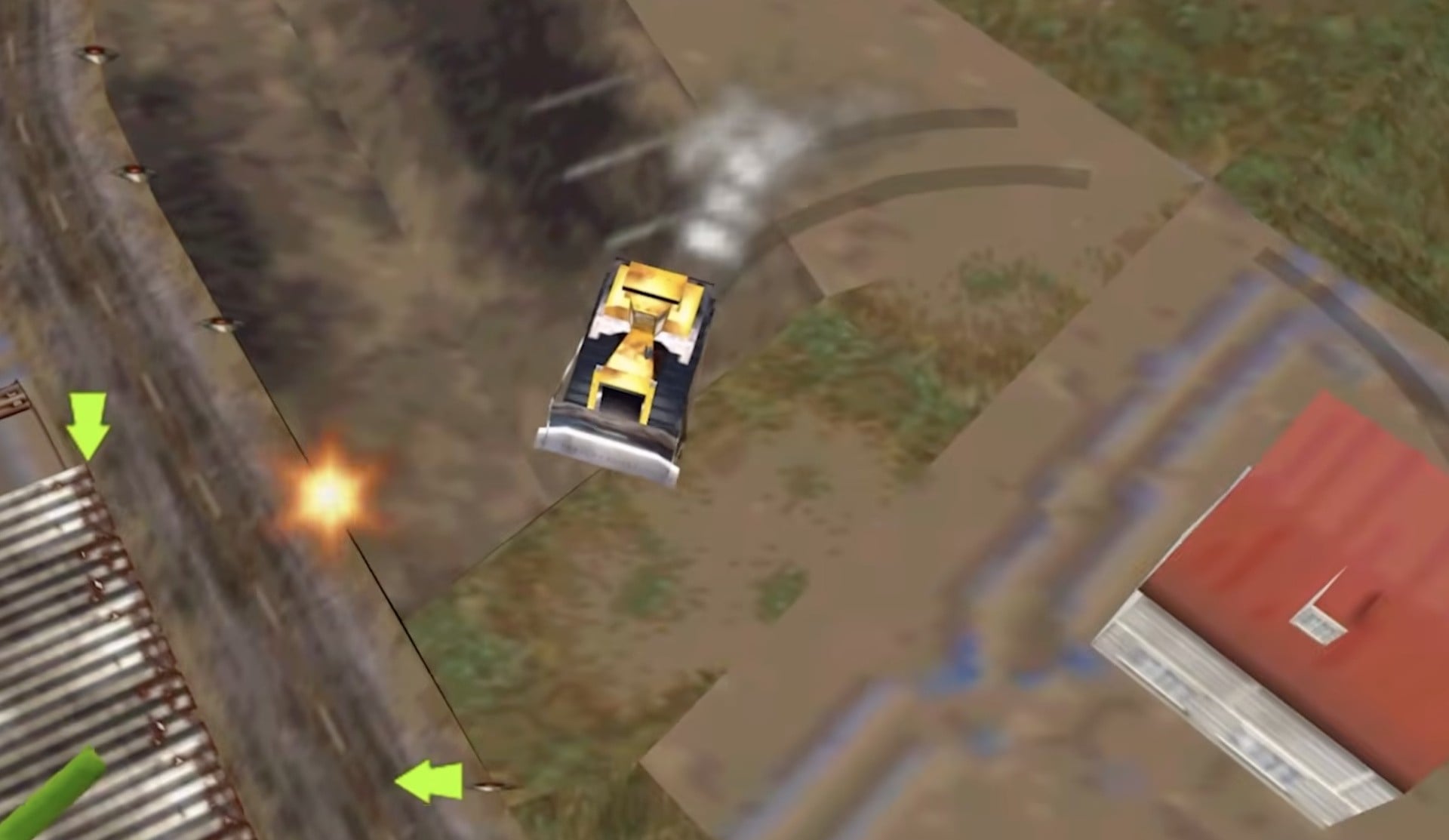
Here's some exciting news to kick your week off with a bang! Rare's demolition-themed action game Blast Corps has just received a new "100% gen-AI free" static recompilation, reimagining the classic N64 title for Windows PCs, macOS devices, and Linux.
This will allow fans of the title to experience the game with a bunch of modern conveniences such as higher-resolution graphics, increased framerates, and widescreen.
Released in 1997, Blast Corps (or Blast Dozer as it is known in Japan) originated from an idea that Rare co-founder Chris Stamper had for a game based around destroying buildings using heavy machinery such as diggers and other demolition tools. This evolved into the idea of using different destructive vehicles to clear a path for a runaway nuclear missile carrier, to make sure it doesn't detonate.
Martin Wakeley, who had previously been part of the Donkey Kong Land team, was selected to head up the design for the game, and has previously stated in interviews that the game was made in 13 months with a core group of four graduates. Regardless, it became another critical and commercial success for Rare, with IGN's Peer Schneider describing it at the time as "a true blessing" that "can proudly stand up there with the Miyamoto games."
The new Recomp project, which is by SlaveOfIDO, was built using Mr-Wiseguy's N64 Recomp, a tool to statically recompile N64 games into native executables to run on other platforms, and, as always, contains no in-game assets, with players expected to provide their own legal copies of the original game to build or run the game. Currently, the only compatible ROM is the Blast Corps (USA) (Rev 1) release, which the Recomp's creator SlaveOfIDO previously decompiled, with matching decompilations of the other versions seemingly planned for the future (judging from the decompilation's GitHub repo).
As noted in the trailer as well as on GitHub, the decomp of the game also comes with support for community mods, with players being able to alter the game by "simply dragging the mod files onto the game window before starting the game or by clicking the Install Mods button in the mod menu." You can check out the project here.